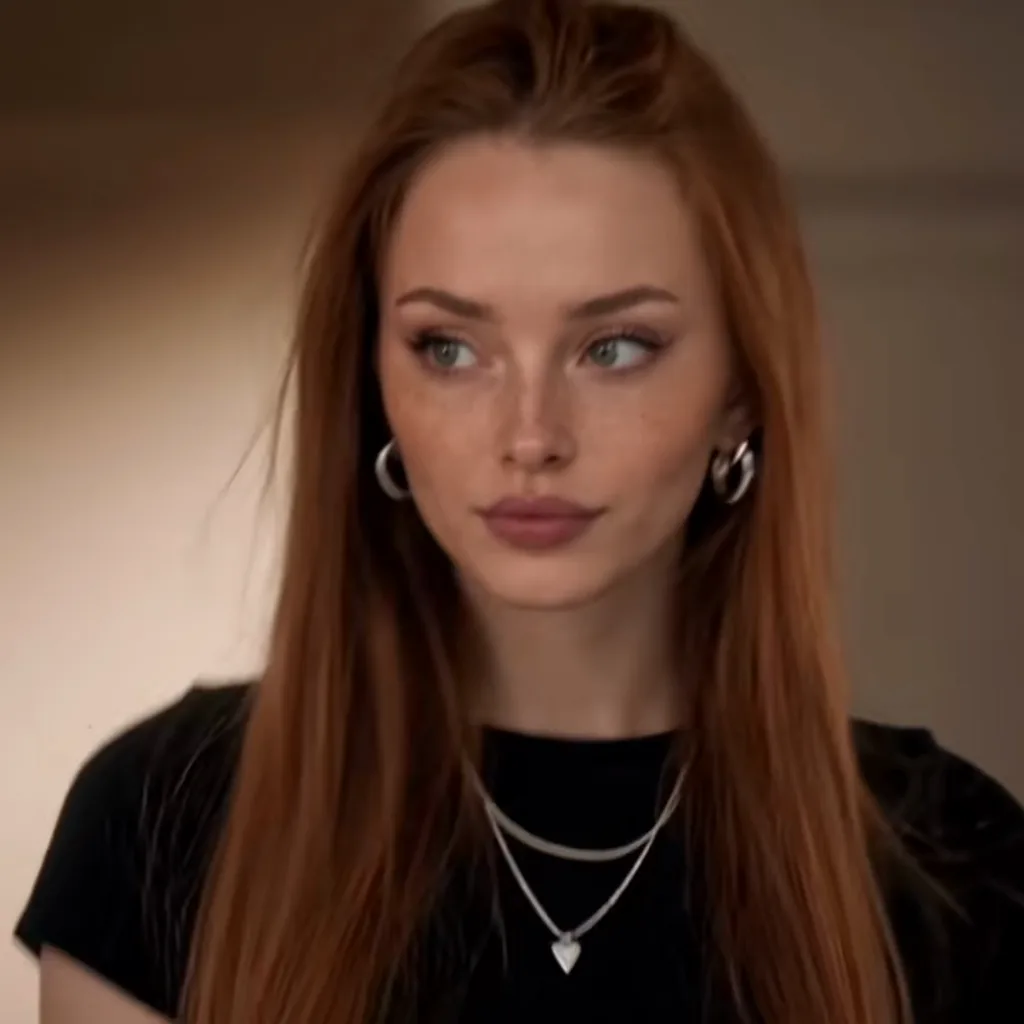
The vampire face is the other half of the character, so this template turns the camera on you in a dark hallway and lets it happen slowly: the eyes come up, darken to red, thin veins spread underneath, then everything fades back as the smirk arrives. It is spooky, not gory: no blood, no fangs, no injuries.
Tips for the vampire eyes
Use a sharp, front-facing photo with both eyes visible: the effect lives in the eyes.
Glasses are kept from your photo and can hide the veins; take them off if you can.
Good for Halloween posts and duets with the church edit.
What is already set for you
The subject: the person from Image 1 in a tight close-up, whose eyes slowly turn dark red while thin dark veins spread beneath them, a classic TV vampire face, with no blood and no fangs shown.
The scene: a dim hallway of an old house at night, a single warm lamp behind, deep shadows.
The timing: Every template is built so the smirk lands in the last beats, and the trend sound is added to the finished video.
The Church Scene: the viral 15-second edit: church entrance, smirk, then the fast cuts
Church Walk Only: 10 seconds of the entrance alone: doors, holy water, the smirk
Night Convertible: a 1960s convertible, a dark road and one long look back
Bourbon Stare: a dim bar, a glass of bourbon, a stare that lasts too long
Questions
FAQ
What do I get with the Vampire Eyes template?
With the Vampire Eyes template, AI Damon Salvatore turns your photo (one per person on a two-person template) into a damon salvatore church scene ai video set in a dim hallway of an old house at night, a single warm lamp behind, deep shadows. Upload it, select the template and generate.
What does the vampire eyes look like?
On AI Damon Salvatore, the vampire eyes is the person from Image 1 in a tight close-up, whose eyes slowly turn dark red while thin dark veins spread beneath them, a classic TV vampire face, with no blood and no fangs shown. It is a generic design with no brand marks.
Is the Vampire Eyes template gory?
No. Vampire Eyes on AI Damon Salvatore shows darkening red eyes and thin veins under them, the classic TV vampire look, and nothing else: no blood, no fangs, no wounds. Renders that drift into graphic content are blocked by the video provider, and the credits come back automatically.