
Gothic, candlelit, smirking · Updated Oct 29, 2026
Damon Salvatore Church Scene AI Walk in. Hold the smirk.
Upload one photo. We put you in the church scene from the trend: the doors open, the guests turn round, a hand dips into the holy water and the walk ends on a slow smirk. A 10–15-second MP4 with the trend sound, ready for TikTok, Reels and Shorts.
- One photo
- 5 templates
- No prompt needed
- MP4 with sound

Generator
Make your damon salvatore church scene ai video
Three choices and one tap. The shot list, the timing and the prompt are already built.
Examples
The trend in the wild
Remakes of the trend posted on TikTok, made with other tools. Each video belongs to its creator; creators can ask us to take theirs down at any time.
Pricing
Get credits to make your video
Each video costs credits by model and resolution: a standard video (Standard model, 720p) is 10 credits. Buy a pack once, or subscribe for fresh credits every month. Bigger means cheaper per video.
Basic
100 credits / month · ≈ 10 videos
$29.90/mo
≈ $2.99 / video
- No watermark
- Fresh credits every month
- Unused credits roll over
- Cancel anytime
BasicSave 17%
1200 credits / year · ≈ 120 videos
$24.92/mo
≈ $2.49 / video
Billed $299 yearly
- No watermark
- All year's credits up front
- Credits never expire
- Cancel anytime
ProSave 17%
200 credits / month · ≈ 20 videos
$49.90/mo
≈ $2.50 / video
- No watermark
- Fresh credits every month
- Unused credits roll over
- Cancel anytime
ProSave 30%
2400 credits / year · ≈ 240 videos
$41.58/mo
≈ $2.08 / video
Billed $499 yearly
- No watermark
- All year's credits up front
- Credits never expire
- Cancel anytime
StudioSave 26%
450 credits / month · ≈ 45 videos
$99.90/mo
≈ $2.22 / video
- No watermark
- Fresh credits every month
- Unused credits roll over
- Cancel anytime
StudioSave 38%
5400 credits / year · ≈ 540 videos
$83.25/mo
≈ $1.85 / video
Billed $999 yearly
- No watermark
- All year's credits up front
- Credits never expire
- Cancel anytime
Or buy credits once
Basic: 10 videos a month for $29.90. The Crew Pack is 25 videos for $99, once.
Single
10 credits · ≈ 1 video
$6.99
≈ $6.99 / video
- No watermark
- Download and post anywhere
- Credits never expire
- Failed renders are free
TrioSave 19%
30 credits · ≈ 3 videos
$16.99
≈ $5.66 / video
- No watermark
- Download and post anywhere
- Credits never expire
- Failed renders are free
Duo PackSave 17%
50 credits · ≈ 5 videos
$29
≈ $5.80 / video
- No watermark
- Download and post anywhere
- Credits never expire
- Failed renders are free
Crew PackSave 43%
250 credits · ≈ 25 videos
$99
≈ $3.96 / video
- No watermark
- Download and post anywhere
- Credits never expire
- Failed renders are free
Studio PackSave 53%
600 credits · ≈ 60 videos
$199
≈ $3.32 / video
- No watermark
- Download and post anywhere
- Credits never expire
- Failed renders are free
Label PackSave 60%
1800 credits · ≈ 180 videos
$499
≈ $2.77 / video
- No watermark
- Download and post anywhere
- Credits never expire
- Failed renders are free
The short answer
What is Damon Salvatore Church Scene AI?
The damon salvatore church scene ai trend is a short TikTok video in which a person takes the place of Damon Salvatore, a character from the series The Vampire Diaries, in a gothic church entrance scene that ends on a smirk. It is made from one photo of the new lead, a shot list of the church scene and an AI video model, and it is posted on TikTok, Reels and Shorts with the trend sound. It started as "replace my namesake with me" and spread to everyone.
AI Damon Salvatore packages that workflow: one photo in, finished clip out, with no reference video to find and no prompt to write.
The damon salvatore church scene ai trend explained, with a timeline →
Three steps
How to Do the Damon Salvatore Church Scene AI Trend
No timeline editing and no prompt writing. The clip is already choreographed, you bring the face.
Upload one photo
A clear, front-facing photo that shows your face, hair and the outfit you want to wear in the video.
Pick the template
Choose one of 5 templates: the full church scene, the walk alone, a night drive, a bourbon stare, vampire eyes.
Download and post
Download the 10–15-second MP4 with the trend sound already in it, and post.
Step-by-step guide: how to make the damon salvatore church scene ai video →
Frame by frame
The shot list of the church scene
We broke the 20-second original down second by second: the doors, the turning guests, the holy water, the sign of the cross, the walk and the smirk, then the fast cuts. Every render follows this sheet.
| Time | Beat | What happens |
|---|---|---|
| 0.0–1.5s | The doors | Wide shot down the aisle of a sunlit white church: you stand in the open double doors at the back, backlit, the pews full. |
| 1.5–3.0s | Heads turn | Quick close shots of the congregation turning round; one man looks back over his shoulder. |
| 3.0–4.0s | Holy water | Close-up of two fingers dipping into the stone holy water font. |
| 4.0–7.0s | The entrance | You step in and make a lazy sign of the cross, forehead then chest, without slowing down. |
| 7.0–10.0s | The smirk | You walk toward the camera, stop mid-aisle, look around and settle into a slow half-smirk. |
| 10.0–15.0s | The edit | Four fast cuts of you in the same outfit: a vintage convertible, a sunny street, a night party, a glance back in the kitchen. |
How the built-in damon salvatore church scene ai prompt works →
Templates
Pick a template for your video
Each template has its own scene and its own shot list, tuned so the candlelight, the mood and the smirk stay right.
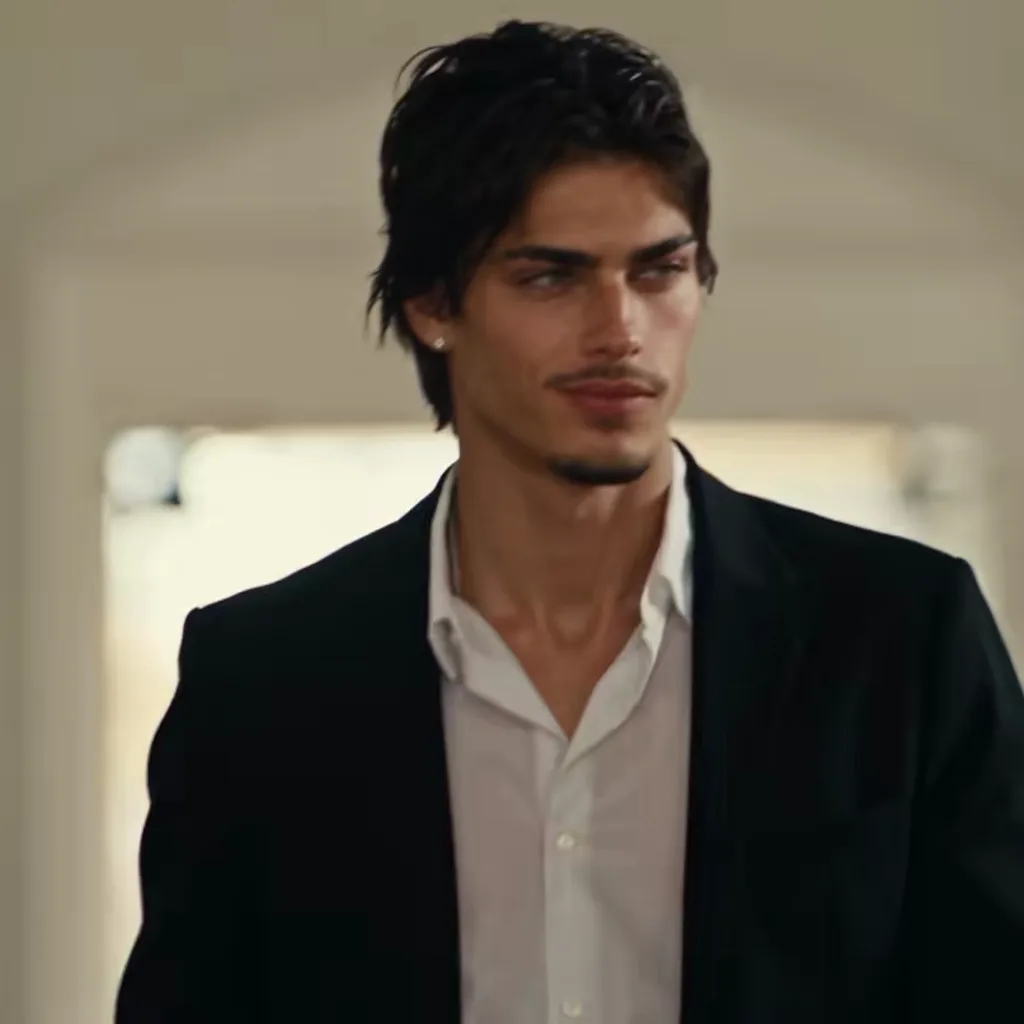
The Church Scene
The viral 15-second edit: church entrance, smirk, then the fast cuts
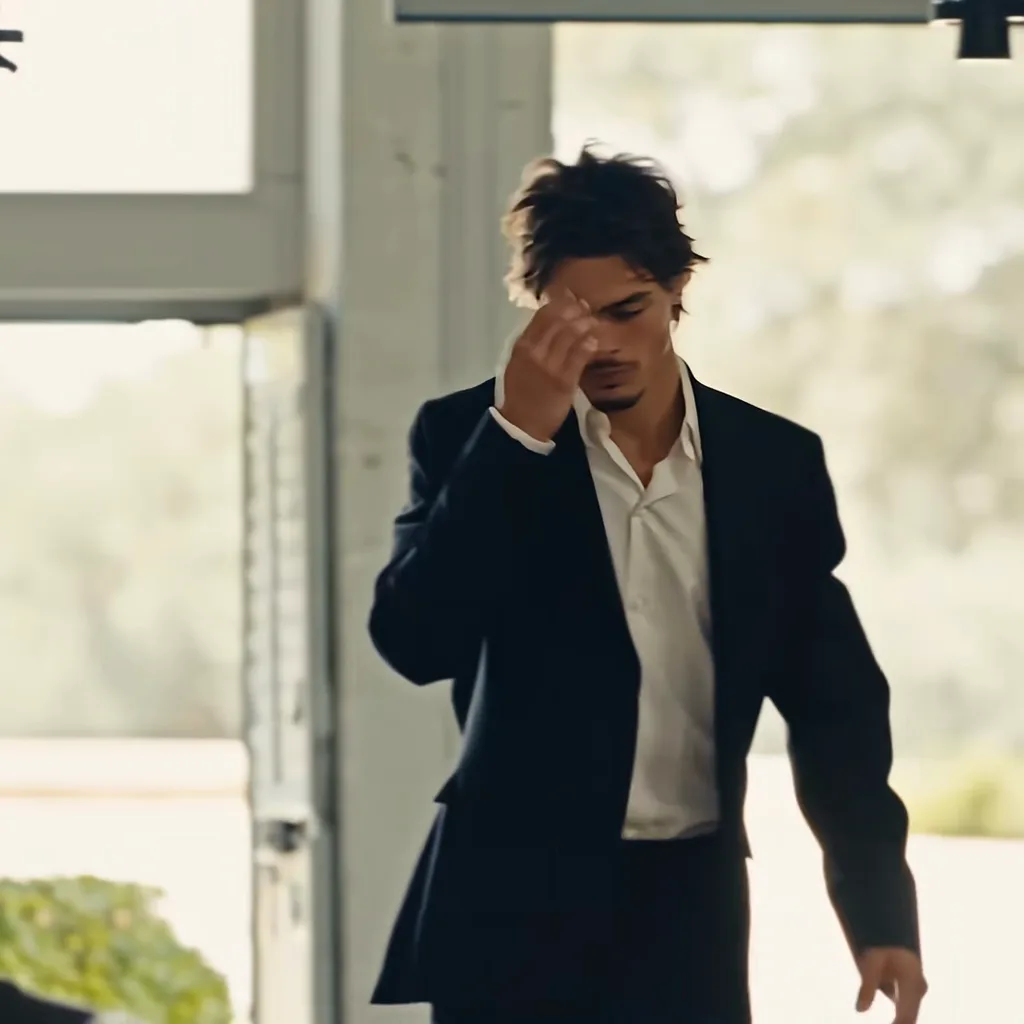
Church Walk Only
10 seconds of the entrance alone: doors, holy water, the smirk
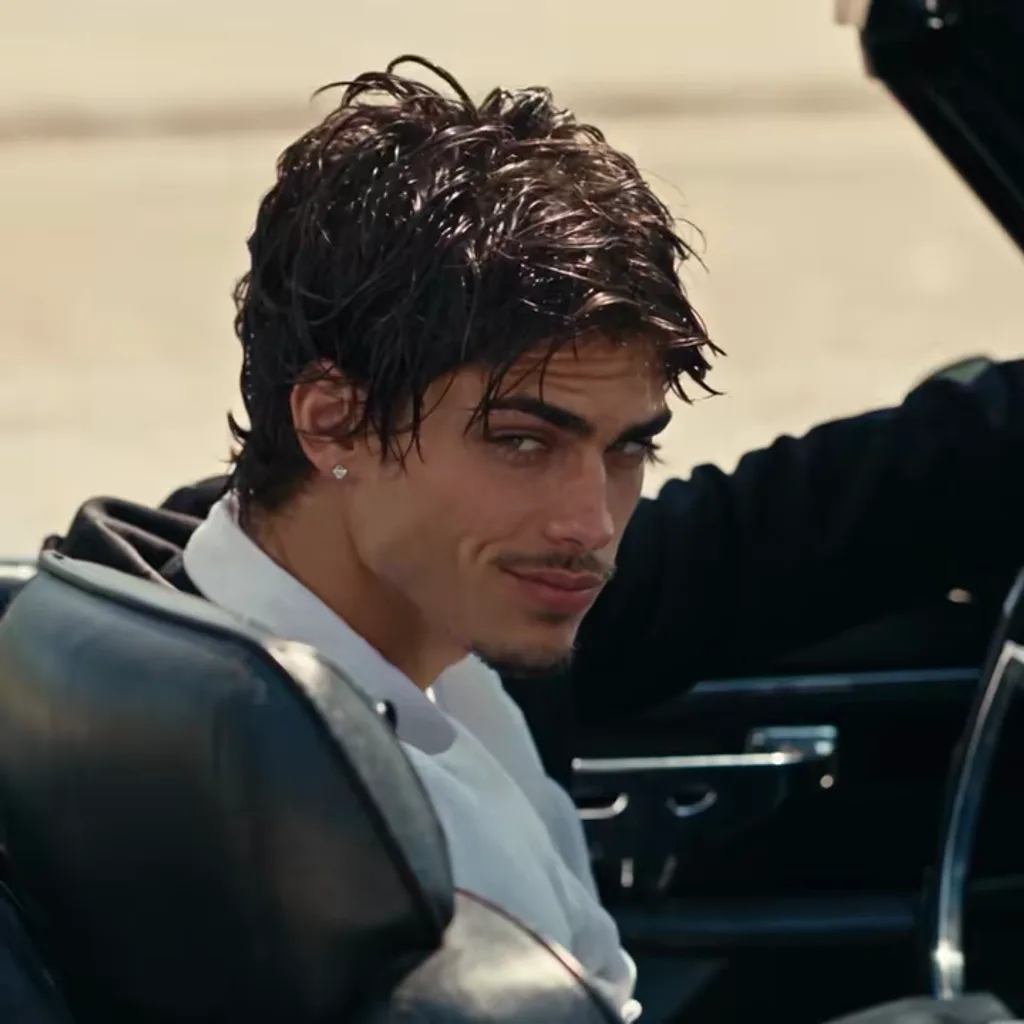
Night Convertible
A 1960s convertible, a dark road and one long look back
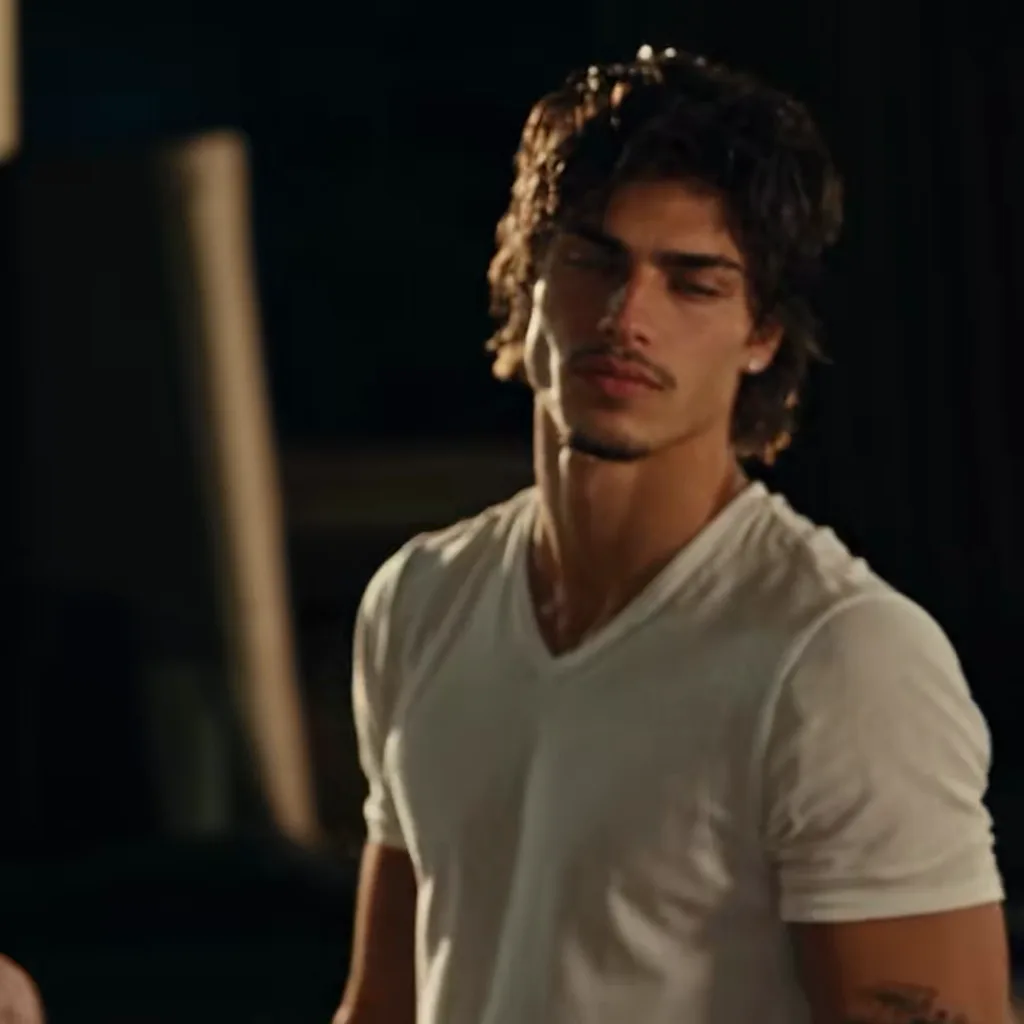
Bourbon Stare
A dim bar, a glass of bourbon, a stare that lasts too long
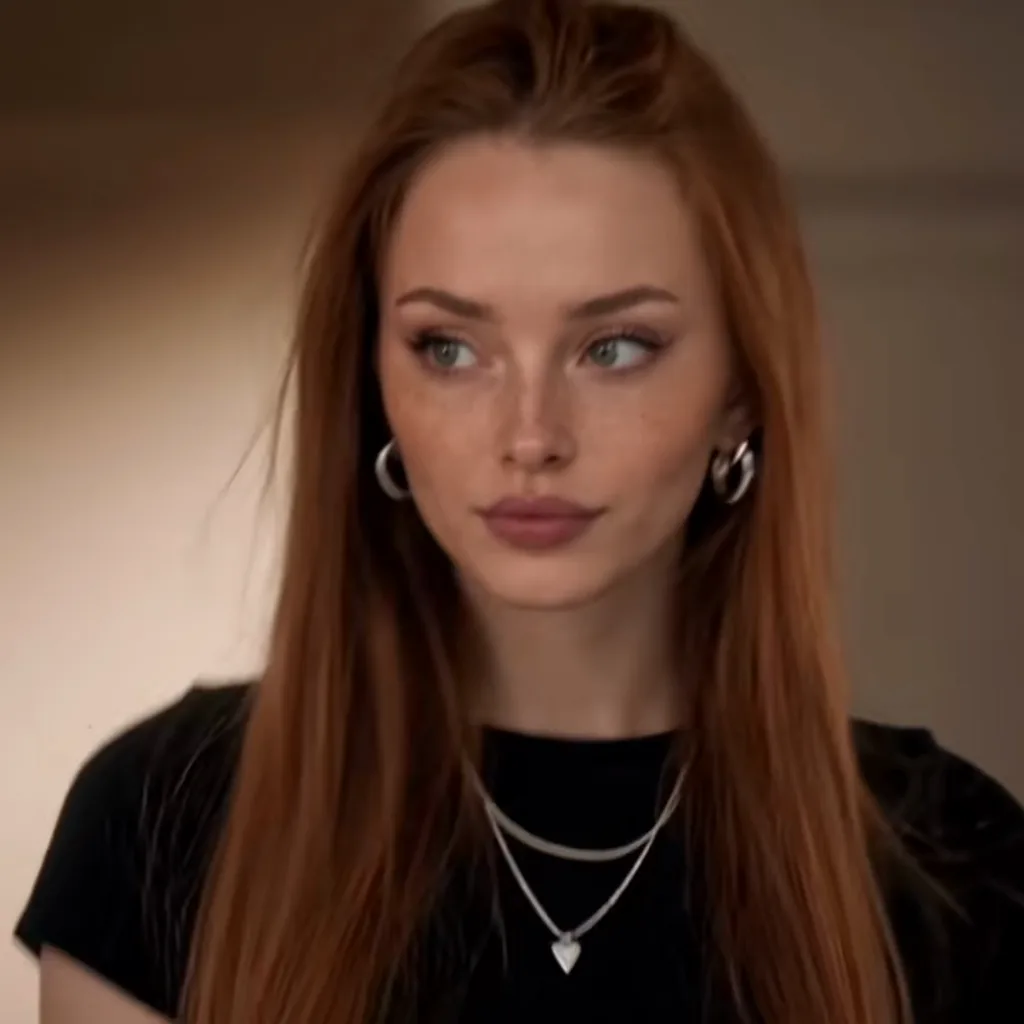
Vampire Eyes
Close-up: dark veins rise under the eyes, then the smirk
Straight talk
Before you upload
For the best result
- Face the camera, eyes visible, no heavy beauty filter.
- Show hair, shoulders and outfit, not a tight face crop.
- One person per photo, sharp and evenly lit.
Good to know
- The smirk and the hands are the details that most often go off. A re-render usually fixes it.
- The trend sound is added to the finished video, so you can post the file as it is.
Questions
Damon Salvatore Church Scene AI FAQ
What is the Damon Salvatore church scene AI trend?
The Damon Salvatore church scene AI trend is a 15 to 20-second TikTok video in which you take the place of the Vampire Diaries character: church doors open, the congregation turns, you dip two fingers in holy water, cross yourself, walk down the aisle and smirk, followed by fast cuts. It took off in late October 2026 as "Replace my namesake with me". AI Damon Salvatore makes it from one photo.
How do I make the Damon Salvatore church scene AI video?
Upload one clear photo on AI Damon Salvatore, pick a template (The Church Scene is the viral 15-second edit) and press Create. The site renders the Damon Salvatore church scene AI video in a few minutes, adds the trend's original sound and gives you an MP4 to post. No CapCut template, no app and no prompt to write.
Is there a Damon Salvatore church scene AI generator?
Yes. AI Damon Salvatore (aidamonsalvatore.com) is a web-based Damon Salvatore church scene AI generator: one photo in, a 10–15-second MP4 out that follows the viral clip beat for beat, with the trend sound. It works in any phone or desktop browser, has 5 templates, each starring one person from one photo, and returns the credits automatically if a render fails.
Is there a Damon Salvatore filter on TikTok or CapCut?
There is no official Damon Salvatore filter from TikTok. Most posts were made with a CapCut template that swaps a photo into a ready-made AI clip, so the face, framing and outfit often look pasted on. AI Damon Salvatore renders a new video around your own photo instead, so your face and clothes stay consistent through every shot of the church scene.
How much does a Damon Salvatore church scene AI video cost?
A standard Damon Salvatore church scene AI video (Standard model, 720p) costs 10 credits on AI Damon Salvatore; a better model or a higher resolution costs 5 to 93 credits. Credit packs are one-off payments from $6.99 and never expire; plans from $29.90 a month add fresh credits every month. There is no free tier, and failed renders return their credits.
Which AI makes the Damon Salvatore church scene video?
AI Damon Salvatore generates its videos with Seedance 2.0 / 2.5, the AI video models made by ByteDance; you pick the tier: Standard (Seedance 2.0 Mini), Fast (Seedance 2.0 Fast), Pro (Seedance 2.0), Ultra (Seedance 2.5). The motion reference, the prompt and the settings are built in, so you only upload a photo and pick a template.
Do I need to write a prompt for the Damon Salvatore church scene?
No. AI Damon Salvatore has the shot list of the viral church scene built in: who stands in the doors, when the guests turn, the holy water close-up, the sign of the cross, the smirk and the fast cuts, each with its own timing. You upload a photo and choose a template; there is no prompt box and nothing to copy.
Why does my face look different in the AI church scene?
The AI rebuilds your face from a single photo, so a small, blurry, side-on or filtered photo gives it too little to work with. On AI Damon Salvatore the best results come from a sharp, front-facing photo with both eyes visible, good light and no heavy beauty filter. If a face still drifts, try the Pro or Ultra model, which hold likeness better.
Does the Damon Salvatore church scene AI video have sound?
Yes. Every AI Damon Salvatore video comes with the trend's original TikTok sound ("original sound - Damon🚩") under the clip, the same audio as the viral posts, added after rendering. The file is a 1:1 MP4 by default (9:16 and 16:9 are also available) with no watermark from the site, ready for TikTok, Reels and Shorts.
Is this an official Vampire Diaries or Damon Salvatore app?
No. AI Damon Salvatore is an independent fan-made tool, not affiliated with The CW, Warner Bros. Television, the cast or the makers of The Vampire Diaries, TikTok or CapCut. It uses no footage, images or likeness from the show: the lead is always the person in your photo, in an original church set and scenes.
Can I use a photo of a friend or a celebrity?
You can use a photo of yourself or of an adult who agreed to it; everyone in it must be 18 or older. AI Damon Salvatore does not allow photos of celebrities, actors or public figures, including the cast of the show, and photos of minors are refused. Uploaded photos are deleted within 24 hours and never used to train AI.
Can I make the Damon Salvatore church scene as a woman?
Yes. AI Damon Salvatore keeps the person in your photo as they are, so women, men and anyone in between get the same church entrance, holy water, smirk and fast cuts in their own face, hair and outfit. Many of the most-watched remakes of the trend star women, and no gender is assumed by the prompt.