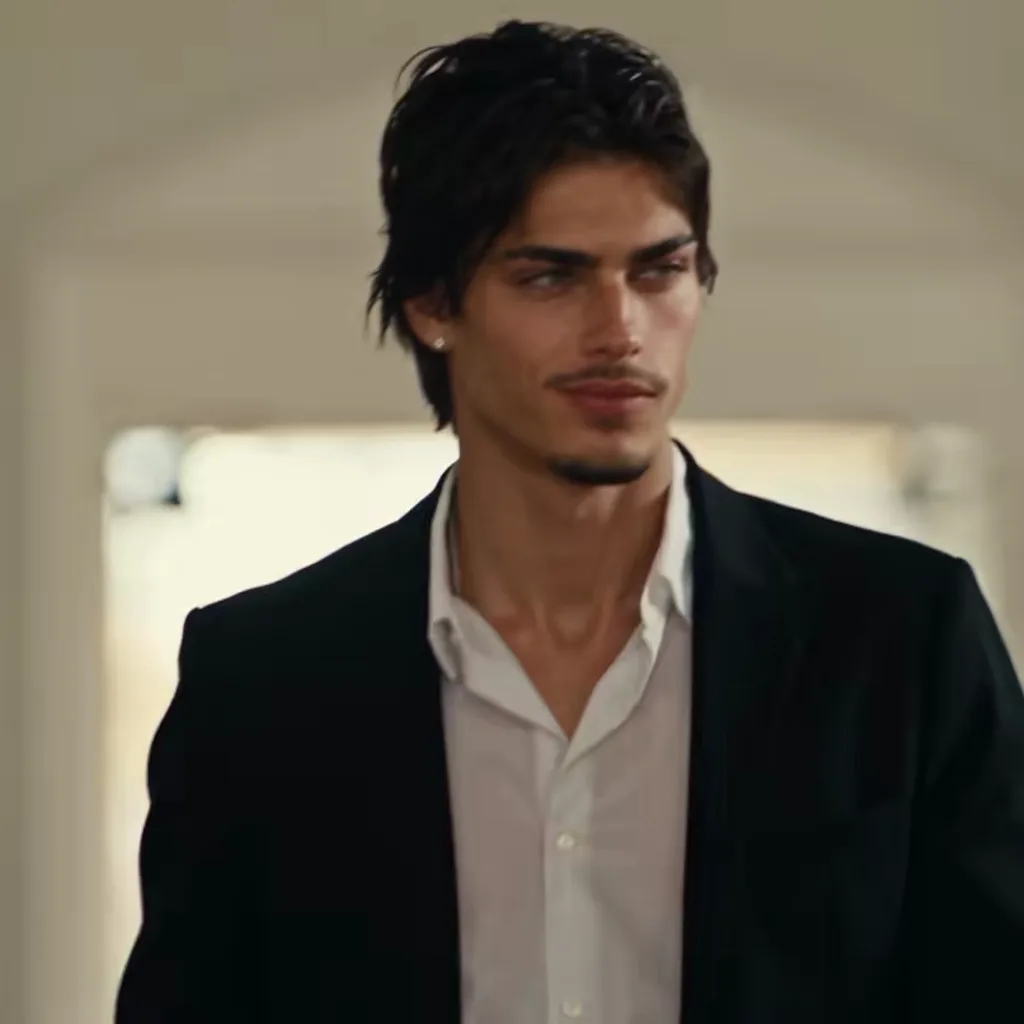
The viral 15-second edit: church entrance, smirk, then the fast cuts. A bright white wooden church on a sunny afternoon, full pews, tall windows, open double doors at the back flooding the aisle with light.
Updated Oct 29, 2026 · By the AI Damon Salvatore team
Generator
Make your damon salvatore church scene ai video
Three choices and one tap. The shot list, the timing and the prompt are already built.
This is the version that went viral: the doors open, the whole congregation turns, you dip two fingers in the holy water, cross yourself without breaking stride and give the camera that half-smirk. Then the edit kicks in: a vintage convertible, a sunny street, a night party, a glance back in the kitchen. Every shot keeps your face and the outfit in your photo, so it reads as one character, not a collage.
Tips for the church scene
A photo with your whole outfit visible works best: the edit shows you in five different shots and keeps the same clothes in all of them.
Dark jacket, plain shirt or a simple black top match the brooding mood of the original without any styling.
Pick 1:1 to match the square look of the viral posts, or 9:16 if you want the video to fill the phone screen.
What is already set for you
The subject: the person from Image 1 as the mysterious newcomer everyone turns to look at, in their own outfit from Image 1.
The scene: a bright white wooden church on a sunny afternoon, full pews, tall windows, open double doors at the back flooding the aisle with light.
The timing: Every template is built so the smirk lands in the last beats, and the trend sound is added to the finished video.
Church Walk Only: 10 seconds of the entrance alone: doors, holy water, the smirk
Night Convertible: a 1960s convertible, a dark road and one long look back
Bourbon Stare: a dim bar, a glass of bourbon, a stare that lasts too long
Vampire Eyes: close-up: dark veins rise under the eyes, then the smirk
Questions
FAQ
What do I get with the Church Scene template?
With the Church Scene template, AI Damon Salvatore turns your photo (one per person on a two-person template) into a damon salvatore church scene ai video set in a bright white wooden church on a sunny afternoon, full pews, tall windows, open double doors at the back flooding the aisle with light. Upload it, select the template and generate.
What does the church scene look like?
On AI Damon Salvatore, the church scene is the person from Image 1 as the mysterious newcomer everyone turns to look at, in their own outfit from Image 1. It is a generic design with no brand marks.
Is The Church Scene the same as the viral Damon Salvatore video?
Yes. The Church Scene template on AI Damon Salvatore follows the viral original shot for shot: the church set-up, the holy water, the sign of the cross, the smirk and the four fast cuts, compressed from 20 to 15 seconds, with the original trend sound added after rendering.